What is BackupPaper?
BackupPaper is a Windows app that saves one conversation from an iPhone backup on your PC as a PDF or CSV file. It reads backups made by iTunes or Apple Devices, including encrypted ones, makes no network connections, and never changes the backup.
How do I export iPhone text messages to PDF on Windows?
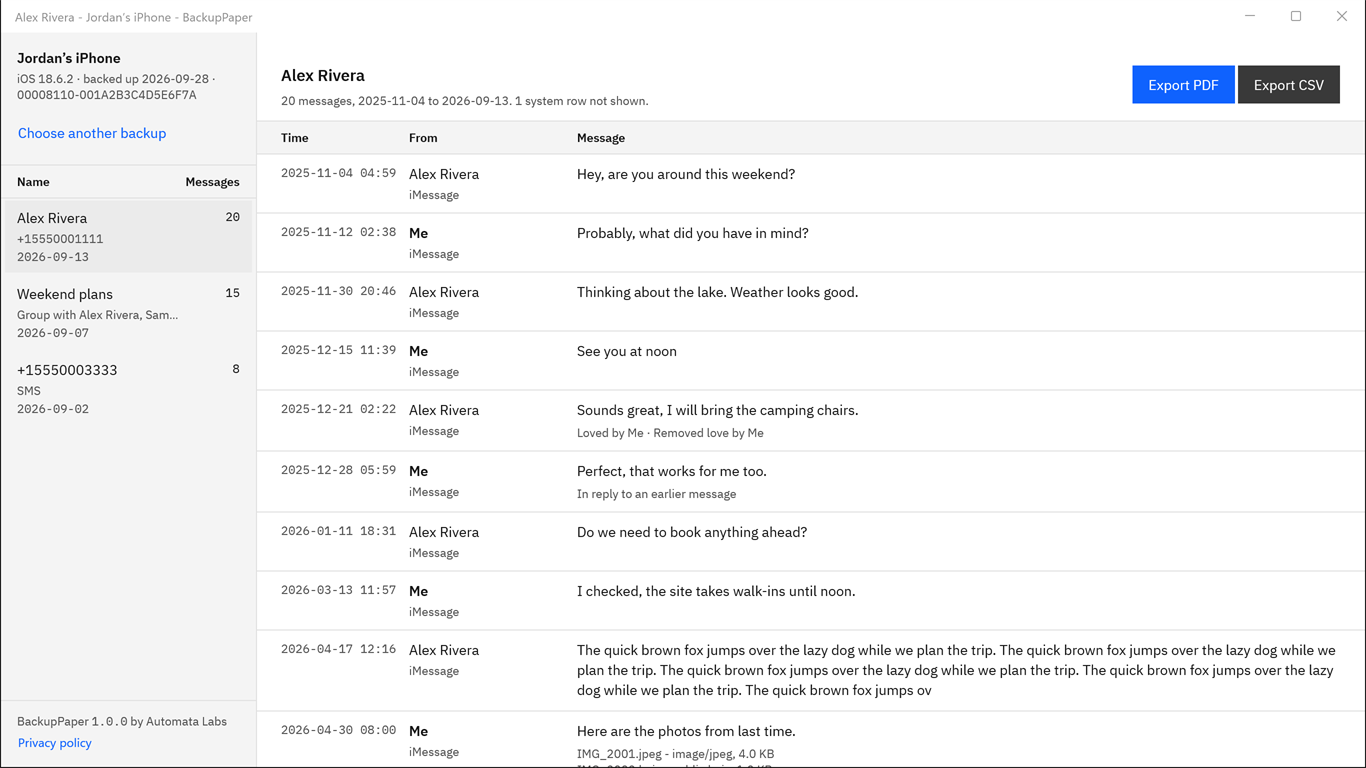
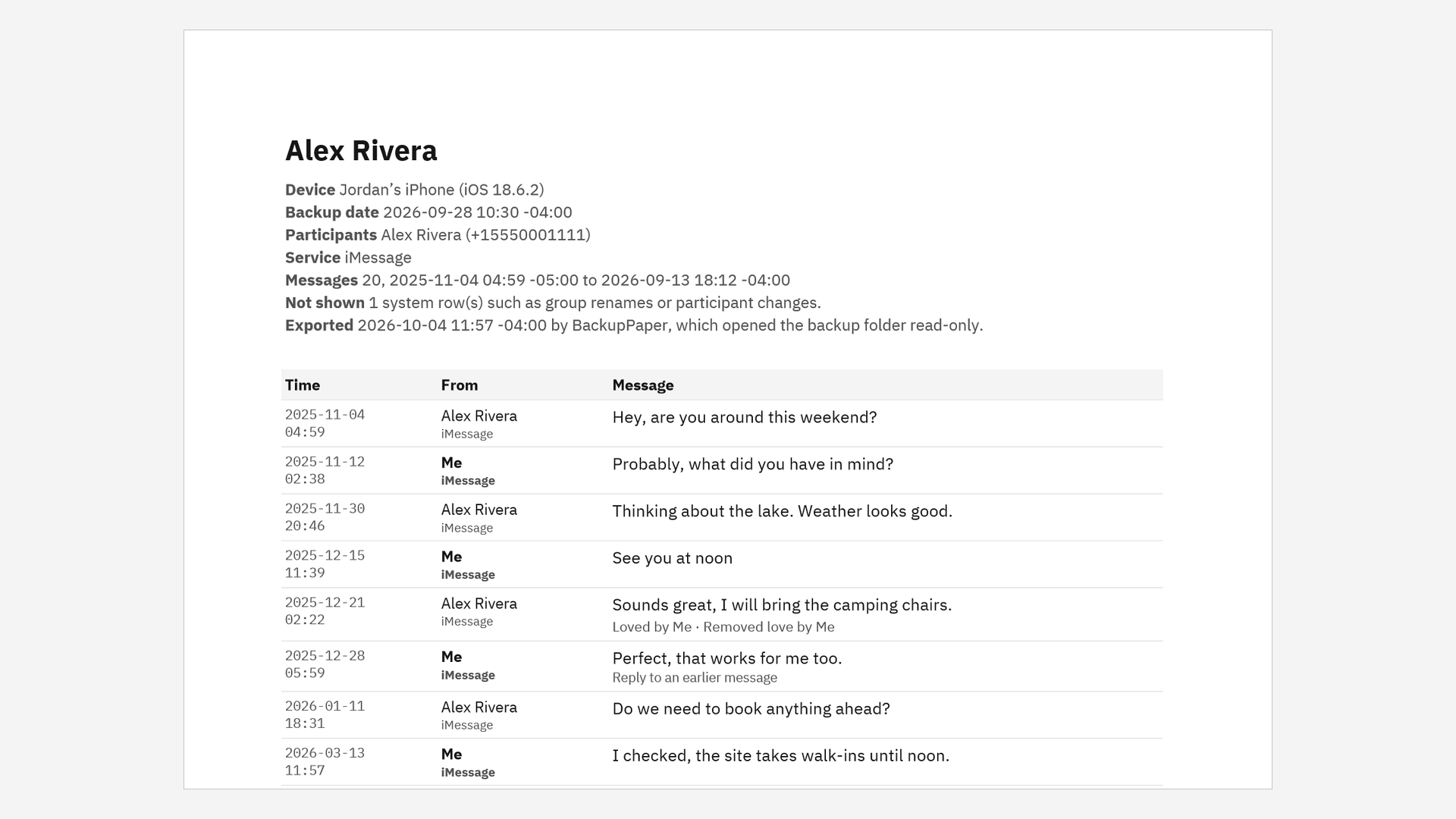
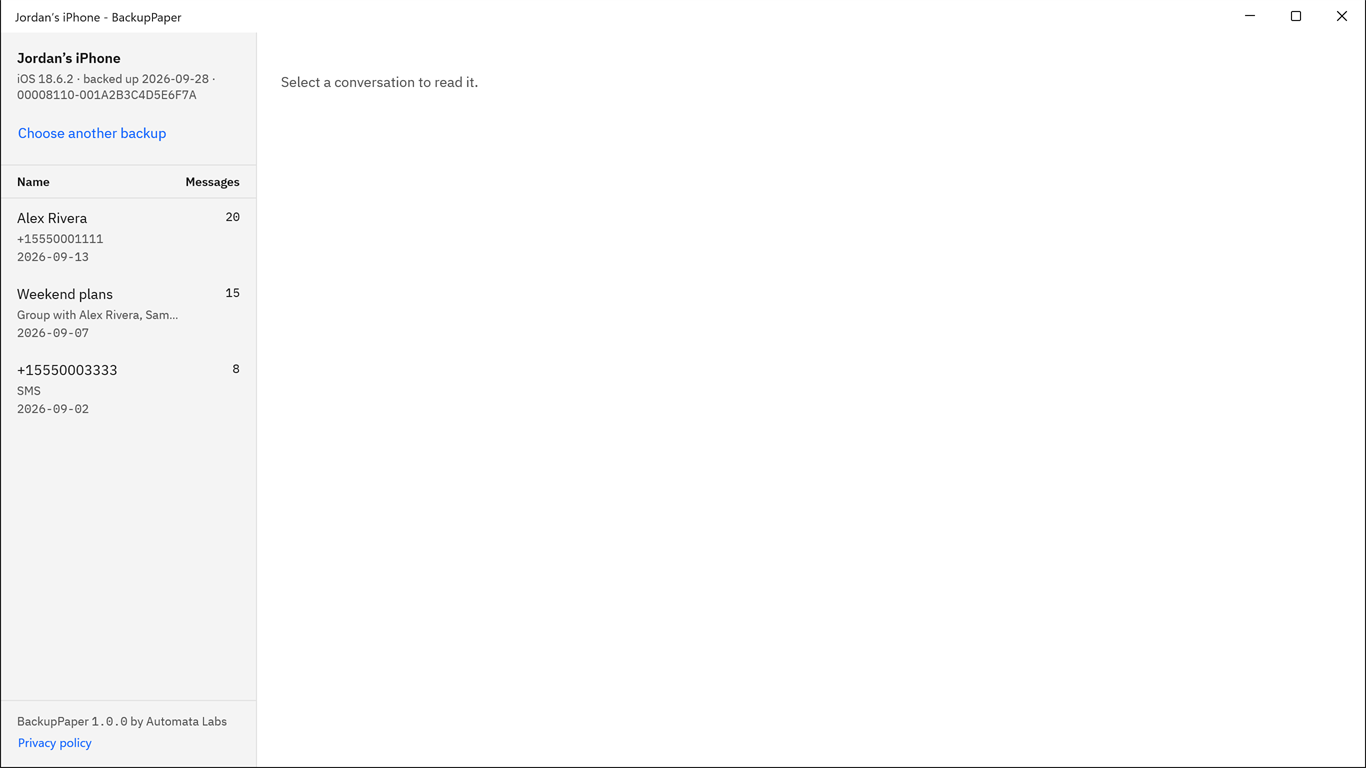
Open BackupPaper, choose the iPhone backup folder, pick the conversation, choose Export PDF, and name the new file. If the backup is encrypted, type its password first. The PDF lists every message in the conversation with its time and sender, plus reactions, replies and attachment names.
Where are iPhone backups stored on Windows?
iTunes from Apple’s website stores backups in %APPDATA%\Apple Computer\MobileSync\Backup. Apple Devices and iTunes from the Microsoft Store use %USERPROFILE%\Apple\MobileSync\Backup. Each backup is a folder named with the iPhone’s long device ID; choose that folder in BackupPaper.
Does an iPhone backup on my PC include my text messages?
Usually, but not always. Apple says a backup made on a computer leaves out iMessages and texts that already sync to iCloud, so if Messages in iCloud is on, the backup may hold few or no conversations. BackupPaper shows what the backup holds; try it on your backup during the free trial.
Does BackupPaper work with encrypted iPhone backups?
Yes. Type the password you set when you turned on encrypted backups. On our test PC the password check took about five seconds. BackupPaper cannot recover, reset or bypass a forgotten password.
Does BackupPaper upload my messages?
No. BackupPaper makes no network connections. It has no account, no analytics and no crash reporting, and it reads the backup only on your PC.
Will BackupPaper change my backup?
No. It opens the backup folder read-only and writes each export as a new file that you name. It refuses to save an export inside the backup folder.
What is the SHA-256 shown after an export?
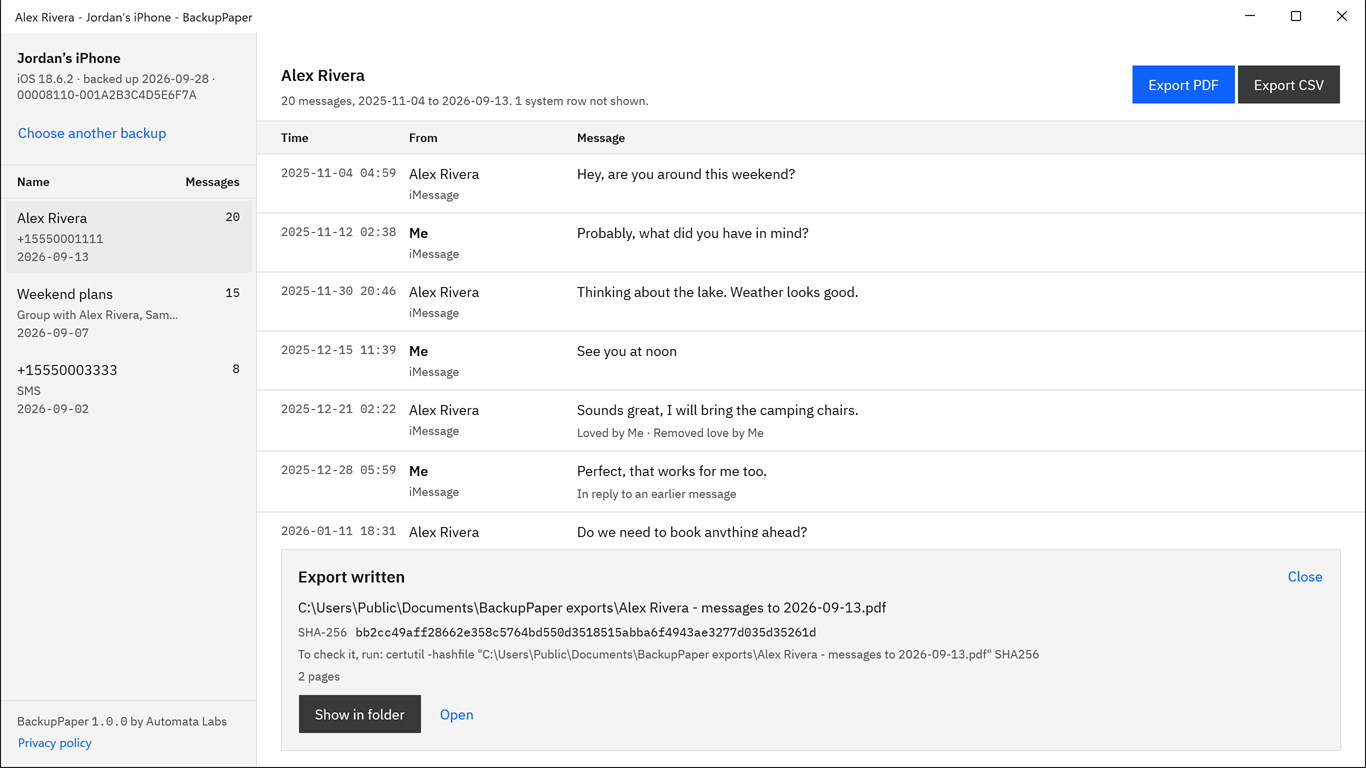
It is a fingerprint of the exported file. Run certutil -hashfile with the file name and SHA256 in a Command Prompt at any time; if the result matches, the file has not changed since BackupPaper wrote it. It says nothing about the messages before the backup was made.
Can I use the PDF in court or for a claim?
BackupPaper makes no claim about how a court, insurer or anyone else will treat the file. The PDF records the device, participants, date range and export time, and the SHA-256 lets anyone check the file later. Ask your lawyer what they need.
Does it export photos and attachments?
It lists attachments by file name, type and size next to their messages. It does not place photos or videos in the PDF or save them as files.
Does it work with WhatsApp or other chat apps?
No. BackupPaper reads the Messages app only: iMessage and SMS conversations.
How much does BackupPaper cost?
It is a one-time purchase in the Microsoft Store; the listing shows the current price in your currency. The Store runs a 15-day free trial with every feature, no watermark and no message limit, and there is no subscription.
Which versions of Windows does it run on?
Windows 10 version 2004 or later, and Windows 11.