What is BatesBind?
BatesBind is a Windows app that numbers a folder of PDFs with one continuous Bates range, adds a confidentiality legend and exhibit labels in the same pass, and writes the index as PDF and CSV, on your PC with nothing uploaded. It writes new files and never changes the originals.
How do I Bates number a folder of PDFs with it?
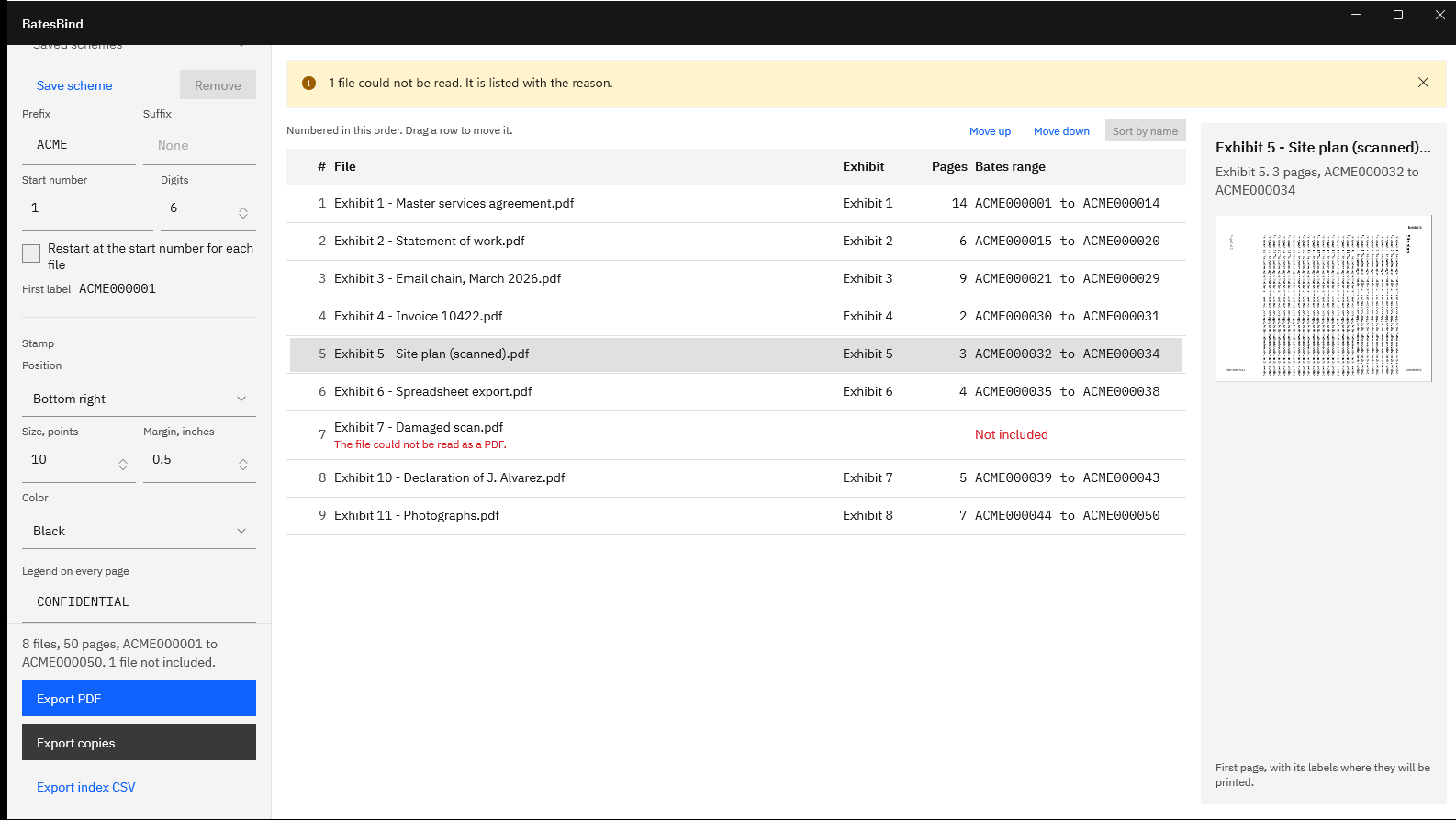
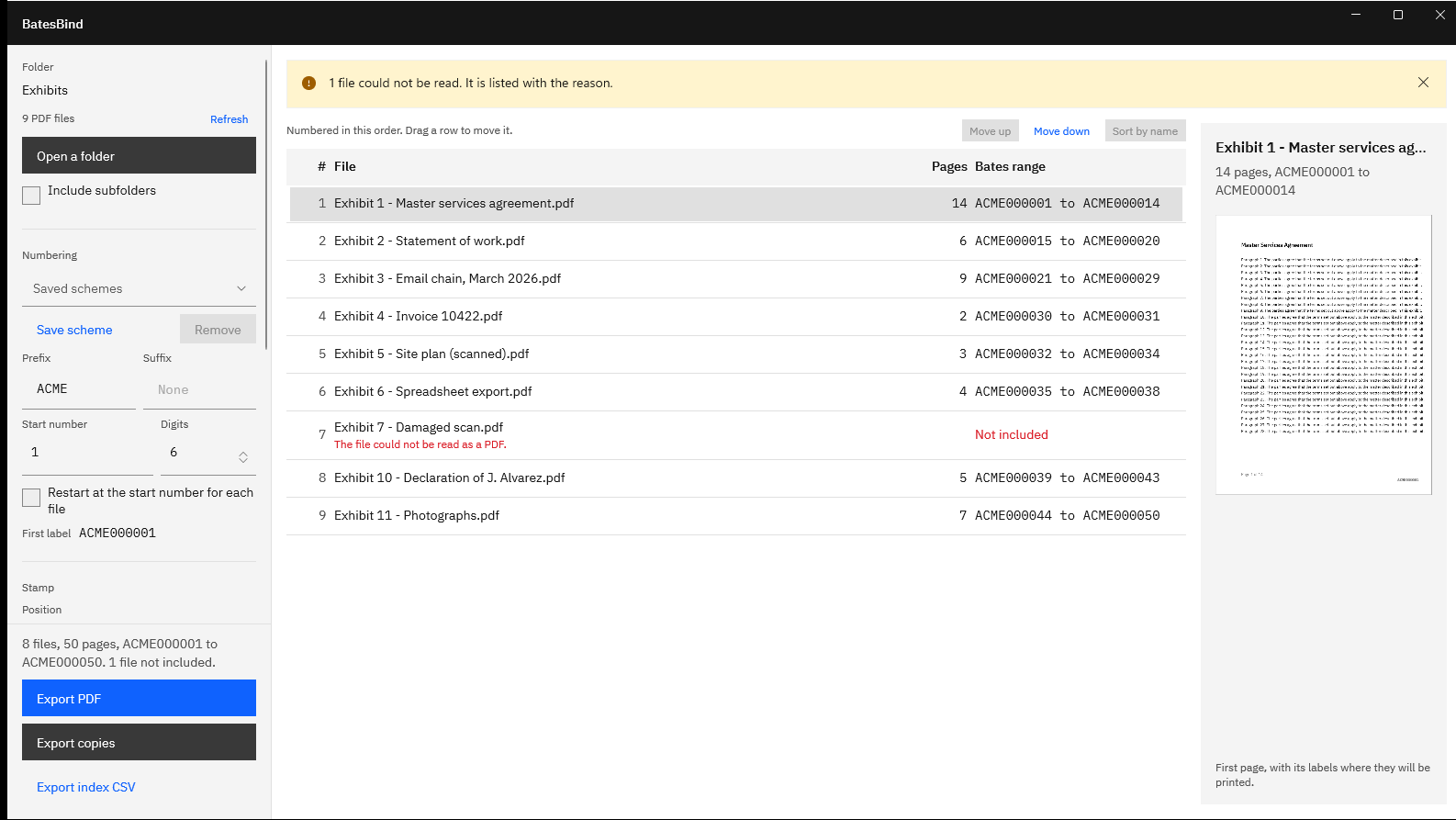
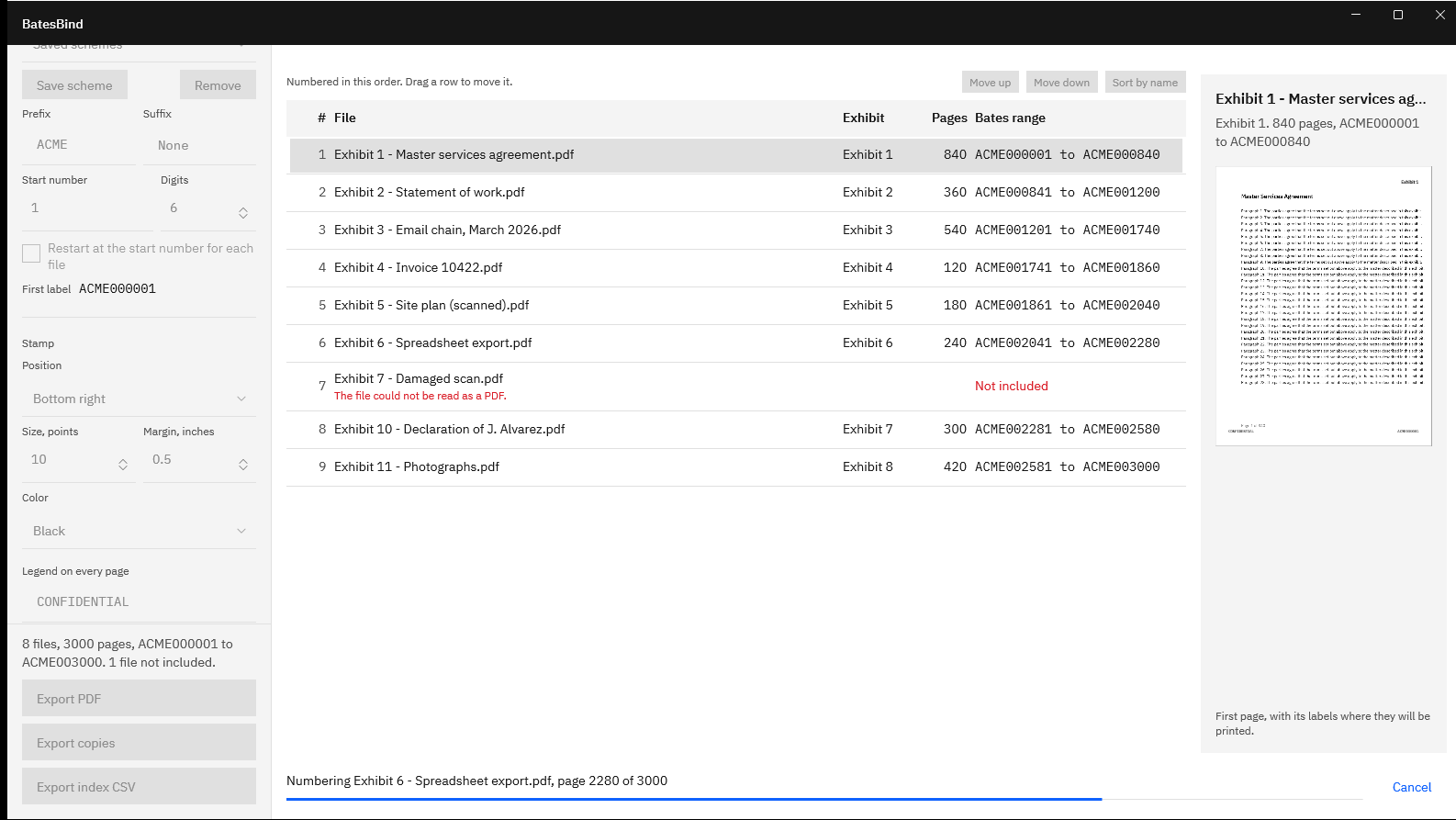
Choose Open a folder, or drop the folder on the window. Set the prefix, digits, and start number, check the order and ranges in the table, then choose Export copies for a numbered copy of each file, or Export PDF for one bound file. The index is written in the same export.
What label formats can I set?
A prefix and a suffix of up to 32 letters, digits, hyphens, underscores, or periods, with no spaces; 1 to 15 digits of zero padding; and a start number of up to 15 digits. ACME000001 is prefix ACME, six digits, start 1. A number wider than the padding is printed in full, never cut short.
Can it add a confidentiality legend and exhibit labels?
Yes, in the same pass as the numbers. The legend, up to 64 characters, goes on every numbered page in its own corner. Exhibit labels go on each file’s first page, counted 1, 2, 3 or A, B, C from any first value up to 9999. Neither can share a position with the Bates number.
What is in the index?
Every file in order with its exhibit label, page count, and first and last Bates number, as a PDF and a CSV. In a bound PDF the index comes first and lists the page where each file begins. The CSV adds the output file name, a SHA-256 hash for each file, and a note for slip sheets.
What happens to a PDF it cannot read?
It is listed with the reason, such as “The file is password protected”, and left out of the range, so numbering stays continuous across the rest. Turn on slip sheets and it gets a one-page placeholder with the reason and one number instead, so the range has no hole.
Can the next production continue from the last number?
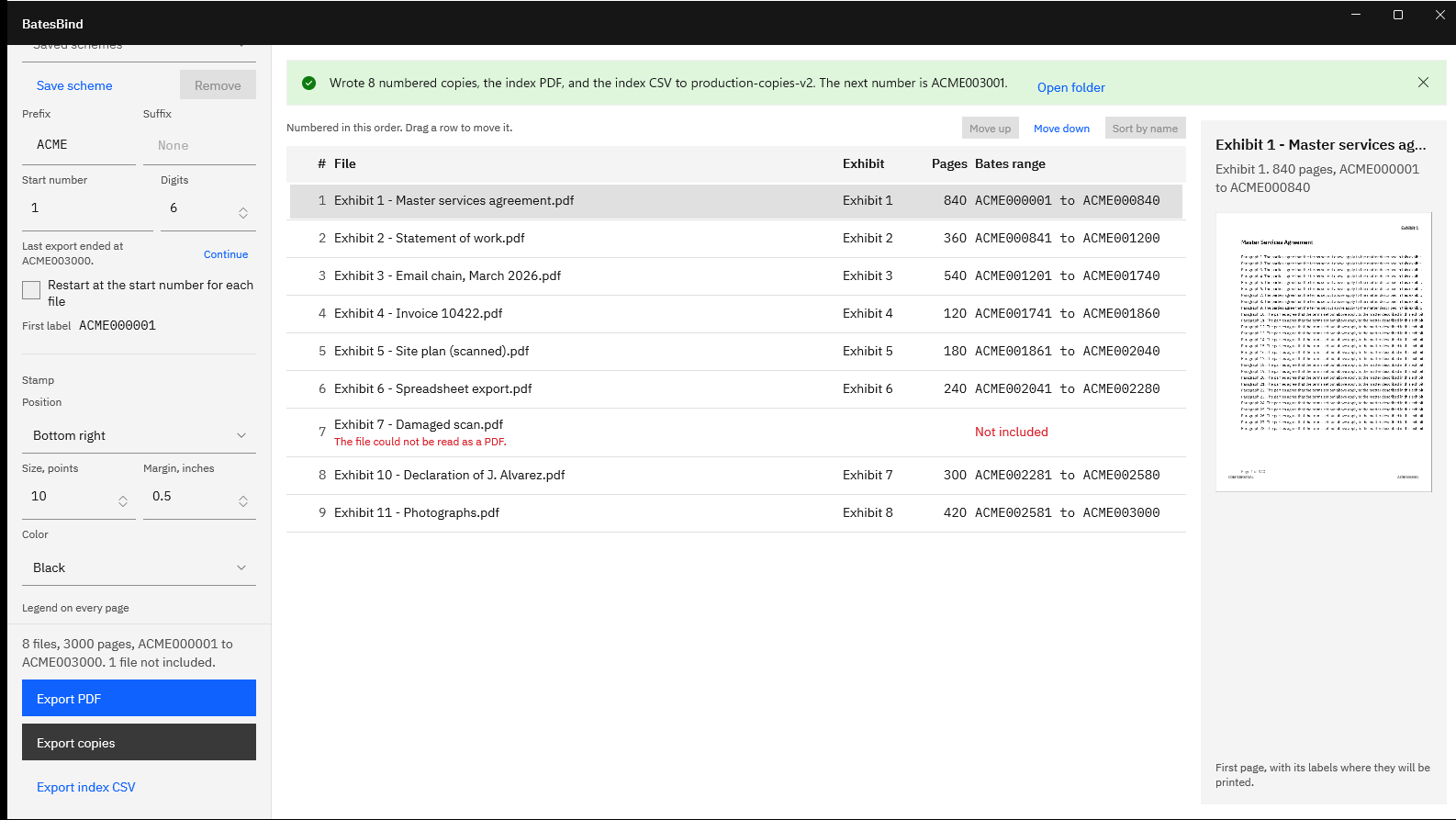
Yes. After an export, BatesBind shows where it ended, and Continue sets the start number to the next one. Saved schemes keep the prefix, suffix, digits, start number, and legend for each matter, and a scheme’s start number moves on after each export.
Will it change my original PDFs?
No. Originals are opened for reading only and are never changed. BatesBind writes new files to a file or folder you pick, refuses to save over an original, and a copies export refuses the source folder and any existing file name. A canceled export keeps nothing.
Does anything leave my PC?
No. BatesBind makes no network connections, has no account, and collects no telemetry. It runs in the Windows app sandbox with no declared capabilities. If you export to a folder that a sync app such as OneDrive manages, that app may copy the files under its own settings.
Does it run OCR, redact, or remove old stamps?
No. BatesBind numbers and labels pages. It does not make scans searchable, redact content, or remove stamps added earlier, and it does not write TIFF images or load files. Redact first with a tool built for it, then number the finished PDFs.
Will a court or opposing counsel accept the output?
BatesBind makes no claim about what a court, an ESI or protective order, or opposing counsel will accept. It gives you the controls those documents often specify, such as the prefix, zero padding, label corners, a separate legend, and an index of ranges. Check the order or agreement in your matter. This is not legal advice.
What does it cost, and is there a trial?
BatesBind is a one-time purchase in the Microsoft Store, and the listing shows the current price in your currency. The Store runs a 15-day free trial with every feature, and there is nothing to activate in the app. There is no subscription.
What Windows version do I need?
Windows 10 version 2004 or later, or Windows 11, on an x64 or ARM64 PC, with at least 1 GB of RAM and 300 MB of disk space. A display of 1100 by 720 or larger is recommended.