What is ScanRoute Local?
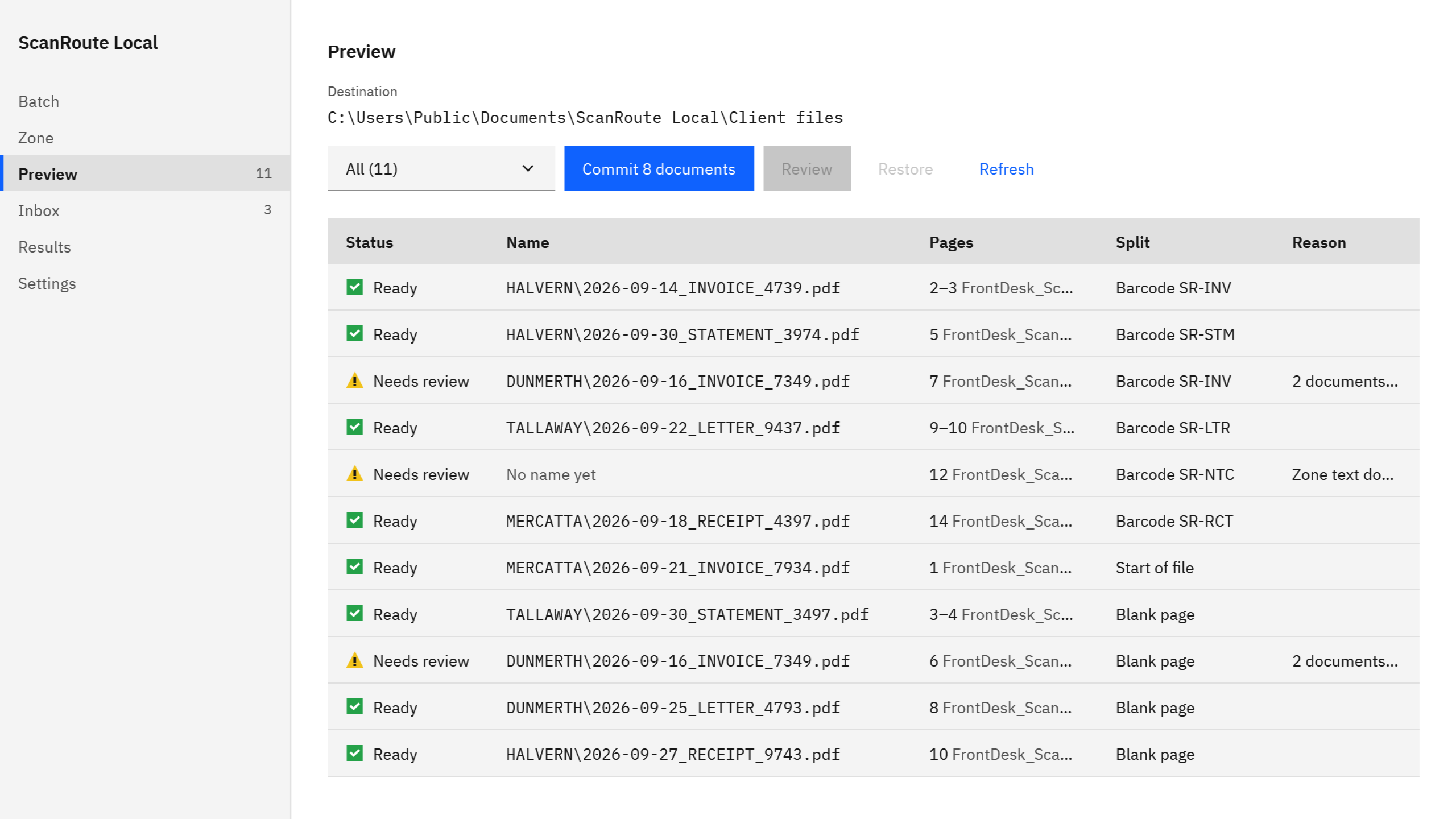
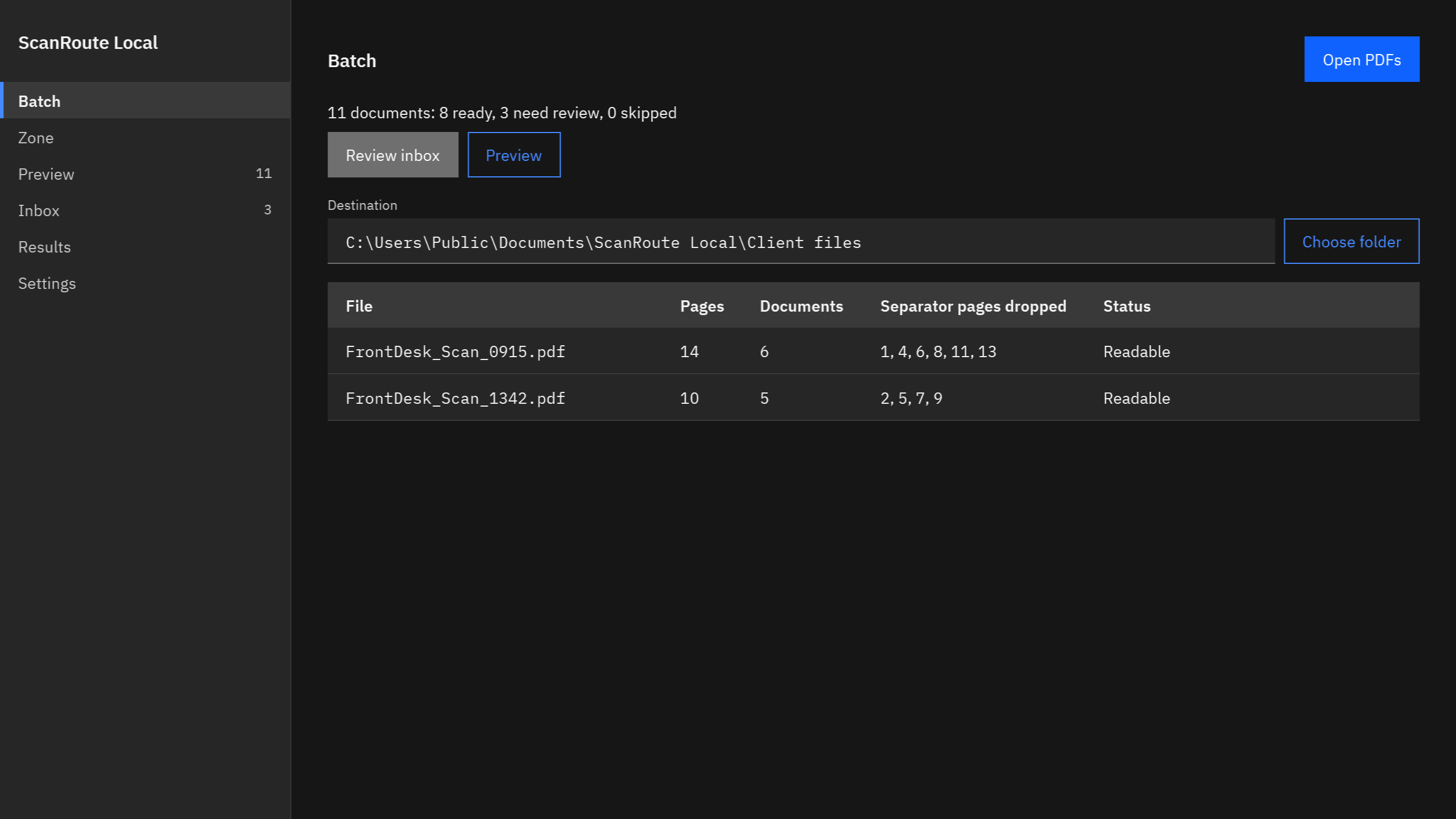
ScanRoute Local is a Windows app that turns one combined scan into separate, named PDFs on your PC. It splits at Code 128 or QR separator sheets, at blank pages, or every N pages, names each file from one zone you draw, and shows every proposed name before anything is written. Nothing uploads.
What files does it read?
PDFs from any scanner, copier, or app. Drop them on the window, open several at once, or point the optional watched folder at the folder your copier scans into.
Does it control my scanner?
No. Scan to PDF with your scanner or copier software as you do today, then open the PDF in ScanRoute Local. It is not a scanner app.
Which separator sheets does it read?
Code 128 and QR barcodes, one per sheet. Set a separator prefix such as SR- so a barcode printed on a document page is not taken for a separator. The free printable sheets on this page use SR-INV, SR-RCT, and SR-CRD.
How many fields can it read from a page?
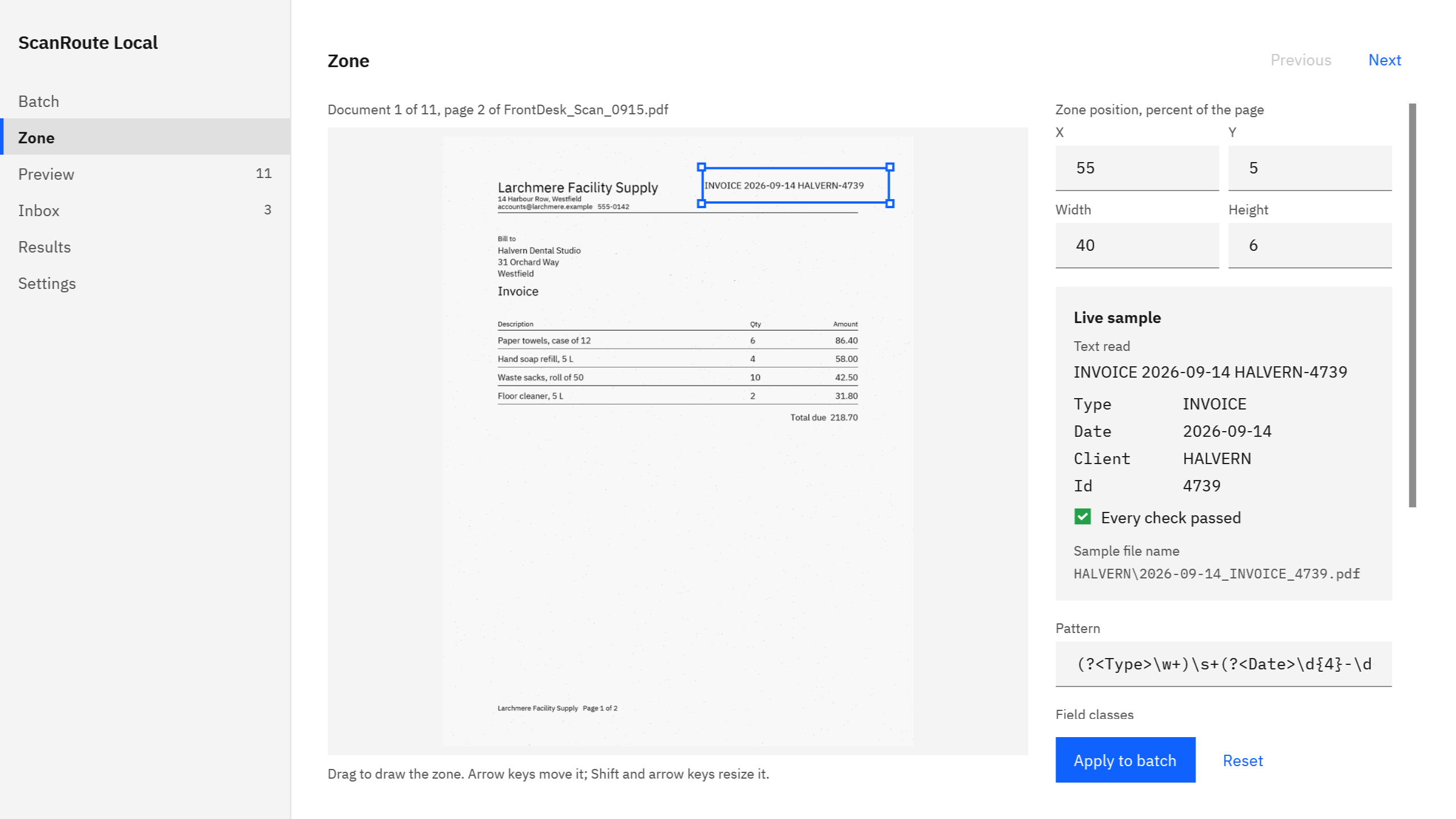
It reads one zone per document. A pattern can pull several fields out of the text in that zone, such as date, client, type, and number, and a template turns them into the file name and folder.
How reliable is the text reading?
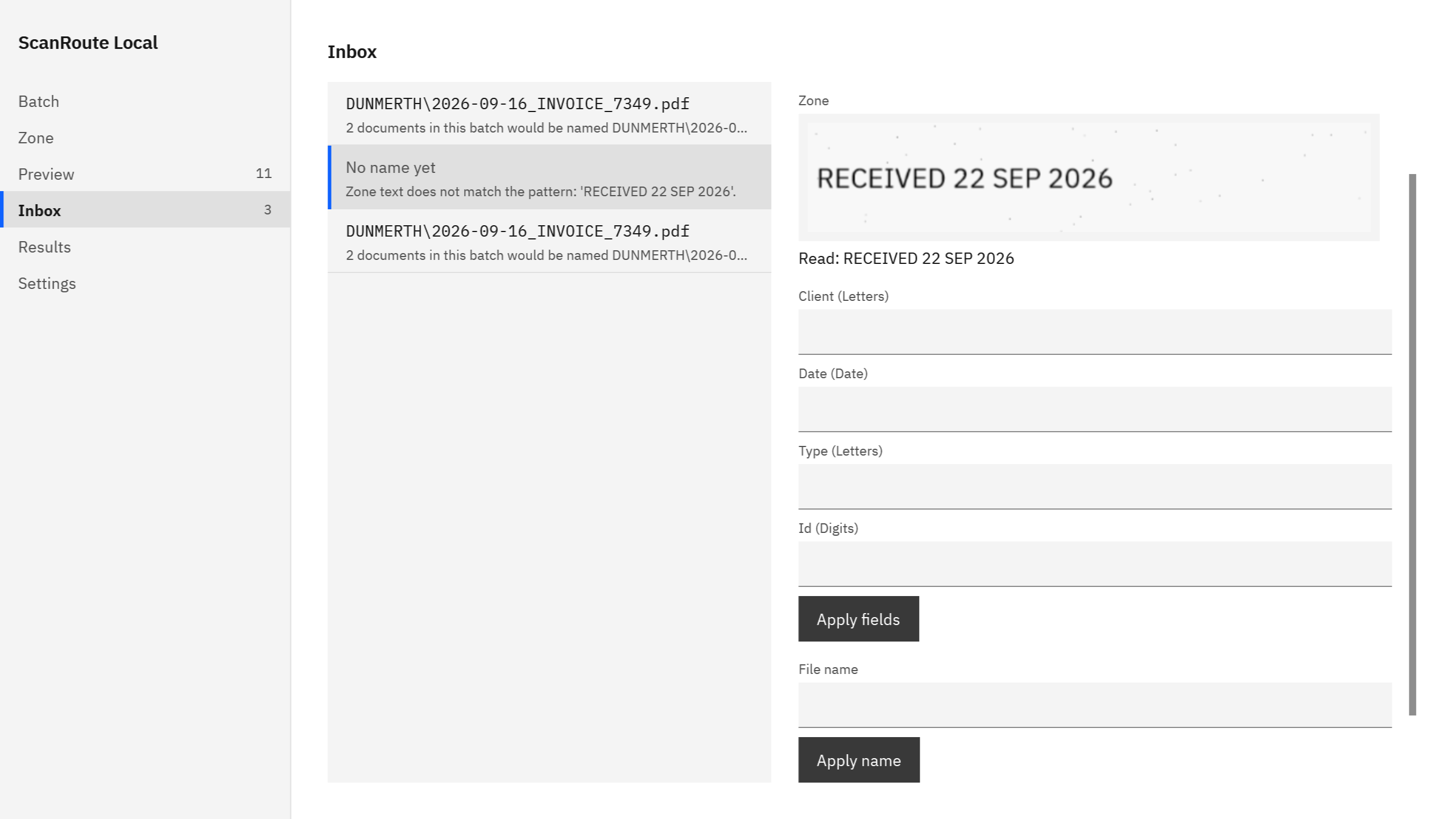
It uses the Windows OCR language installed on your PC. OCR and barcodes can misread, so every proposed name shows in Preview first, and reads that fail their checks wait in the inbox. If no OCR language is installed, splitting still works, the fields wait in the inbox for you to type, and a banner links to the Windows language settings.
Does anything leave my PC?
No. ScanRoute Local makes no network connection, has no account, and collects no telemetry. Nothing uploads. If you choose a destination folder that a sync app such as OneDrive manages, that app may copy the files elsewhere under its own settings.
Will it change my original scans?
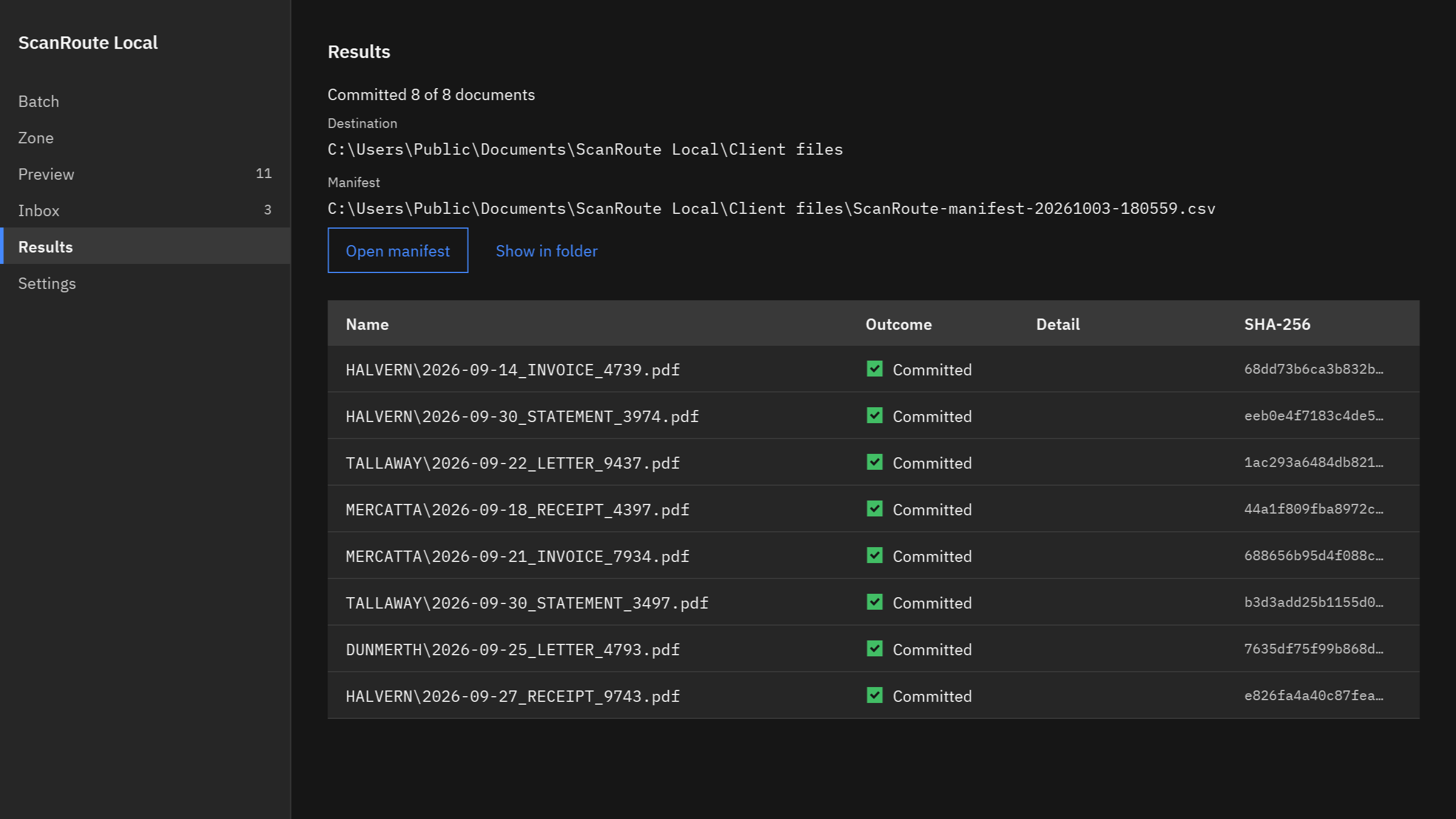
No. Original PDFs are only read. They are never changed, moved, or deleted, and no file is overwritten. Each commit writes a CSV manifest with the SHA-256 of every file written.
Does the watched folder file things by itself?
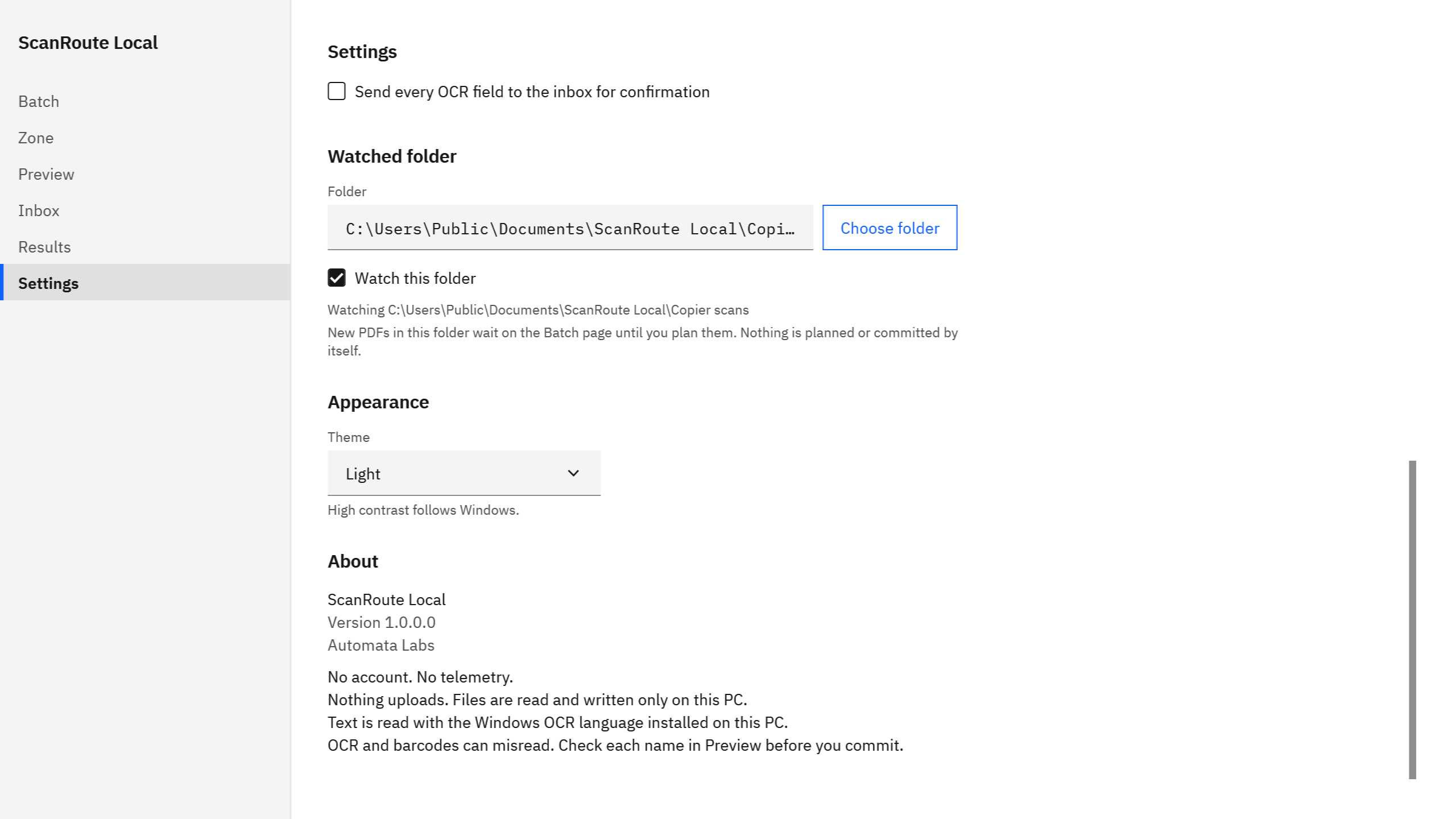
No. The watched folder is off until you turn it on, and new PDFs in it wait on the Batch page until you plan them. Nothing is planned or committed by itself.
Can it read from or save to a shared drive?
Not in this version. Sources, the watched folder, and the destination are folders on this PC.
What does it cost, and is there a trial?
ScanRoute Local is a one-time purchase in the Microsoft Store, and the listing shows the current price in your currency. The Store offers a free trial, so you can run your own scans through it before you buy. There is no subscription.
Can my whole office use one purchase?
Microsoft Store purchases are per user: each person gets it with their own Microsoft account. There is no volume license.
What Windows version do I need?
Windows 10 version 2004 or later, or Windows 11, on an x64 PC.